


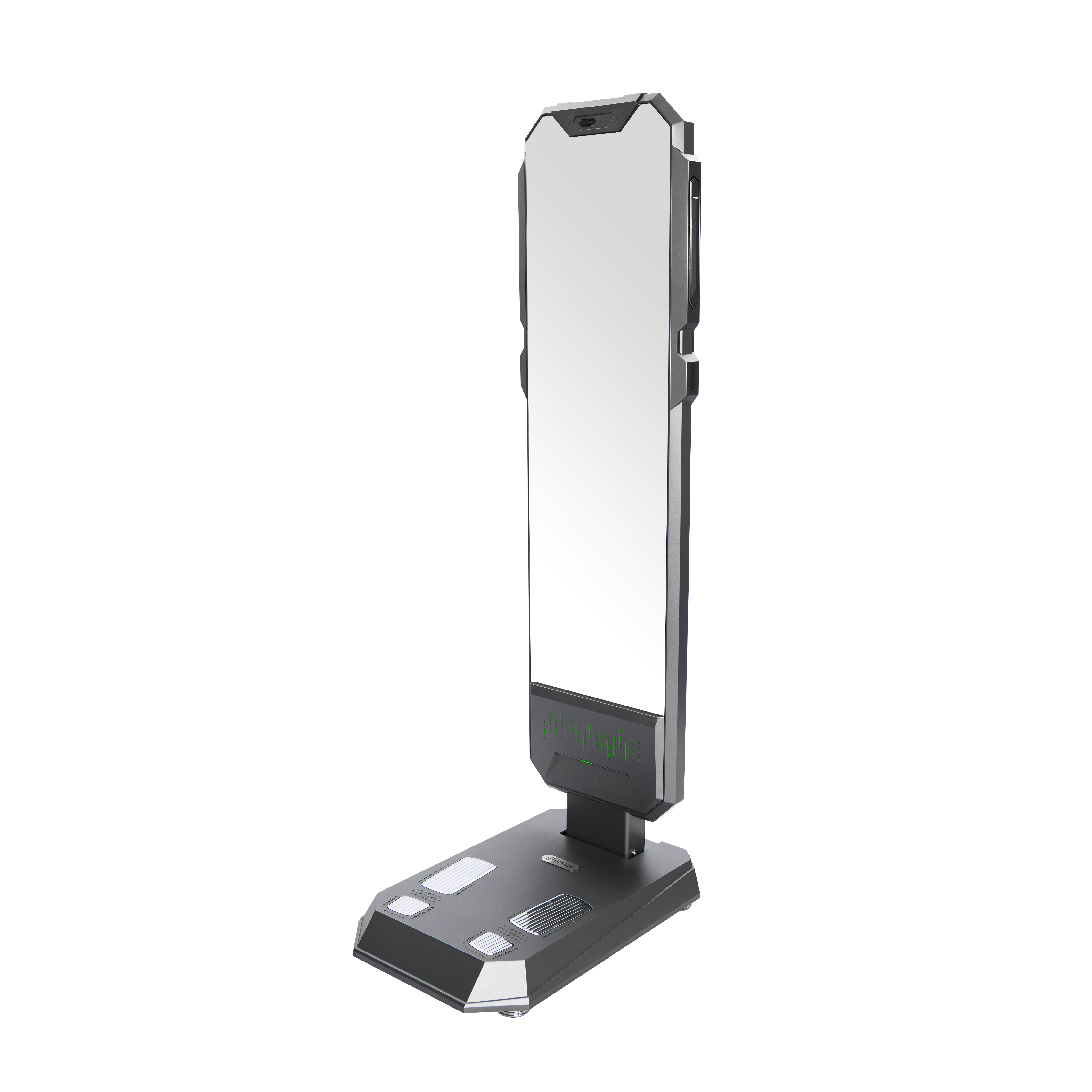


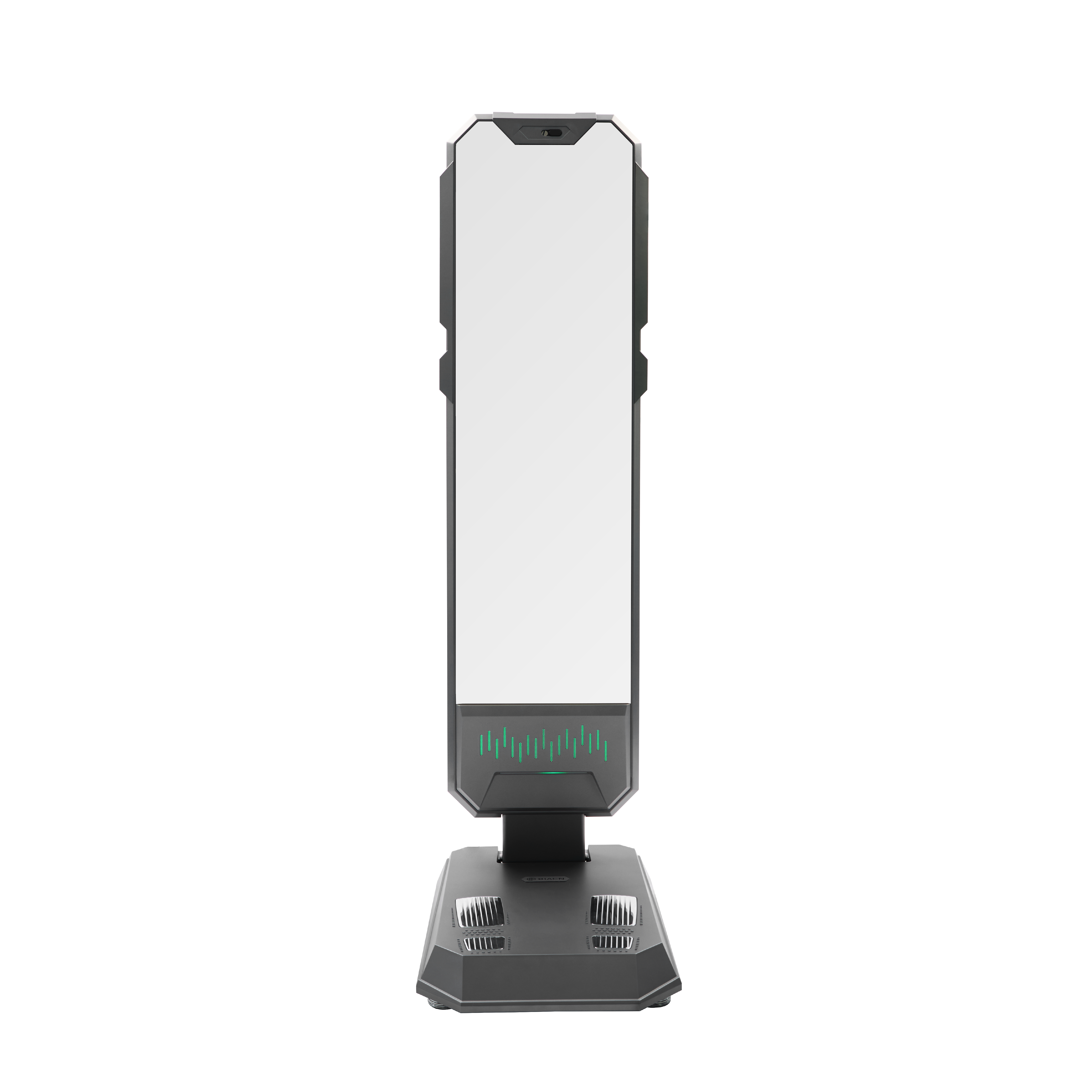
The touchscreen experience is a crucial factor when selling Body Mass Index (BMI) equipment to gyms and clinics, as it directly impacts user interaction and overall satisfaction. For B2B buyers including purchasing managers and product managers, understanding the significance of touchscreen functionality can enhance decision-making. This article explores how to choose the right touchscreen experience, addresses common installation challenges, compares essential features, and offers expert tips for selecting optimal systems tailored for fitness settings.
Choosing the Right Touchscreen Experience for Gyms and Clinics
Selecting the right touchscreen experience for gyms and clinics involves considering several factors that affect usability and functionality. Key considerations include screen size, resolution, responsiveness, and user interface design. A larger screen can improve visibility for users, allowing easier navigation through health assessments and body composition analytics. High resolution ensures that information is displayed clearly, which is particularly important for users who may rely on detailed data for fitness tracking.
Moreover, responsiveness is vital; BMI touchscreens should register inputs quickly to minimize user frustration. An intuitive user interface, which requires minimal training, can significantly enhance user engagement and satisfaction, especially in environments where quick interactions are essential. When evaluating touchscreen options, buyers should also consider integration capabilities with existing systems, ensuring a seamless experience across various platforms.
Common Installation Challenges with Touchscreen BMI Equipment
Installing touchscreen BMI equipment can present several challenges that require careful planning and execution. One common issue is ensuring compatibility with existing infrastructure, including electrical systems and network connectivity. Buyers must verify that the installation location can support the equipment's power and data requirements, as inadequate infrastructure can lead to operational disruptions.
Another challenge is the physical installation itself. Ensuring that the equipment is securely mounted and positioned at an ergonomic height is crucial for user comfort and accessibility. Buyers should also account for potential interference from other electronic devices, which can affect touchscreen performance. Conducting thorough site assessments prior to installation can help mitigate these challenges and ensure a smoother implementation process.
How to Compare Touchscreen Features for Optimal User Experience
When comparing touchscreen features, it's essential to focus on specifications that enhance the user experience. Key features to evaluate include multi-touch capabilities, durability, and ease of cleaning. Multi-touch functionality allows multiple users to interact with the screen simultaneously, which can be particularly beneficial in busy gym environments.
Durability is another critical aspect; BMI body scanner touchscreen systems in fitness settings should be resistant to scratches, moisture, and impact to withstand daily wear and tear. Additionally, considering how easy it is to clean the screen can prevent hygiene issues, especially in high-contact areas. Buyers should also look for touchscreens with anti-glare coatings to ensure readability under various lighting conditions.
Finally, evaluating the software capabilities of the touchscreen is crucial. A robust software platform that supports easy updates and customization can significantly enhance the usability and longevity of the equipment.
Solutions to Improve Touchscreen Functionality in Fitness Settings
Improving touchscreen functionality in fitness settings can lead to enhanced user experiences and increased satisfaction. One effective solution is to implement regular software updates to ensure that the touchscreen operates on the latest version, enhancing security and functionality. Additionally, training staff on how to troubleshoot common issues can empower them to resolve problems quickly, minimizing downtime.
Another solution is to use screen protectors that enhance durability while maintaining touch sensitivity. These protectors can safeguard against scratches and spills, which are common in gym environments. Furthermore, integrating feedback mechanisms within the software can allow users to report issues or suggest improvements, fostering a user-centric approach to system enhancements.
Finally, ensuring that the touchscreen is properly calibrated can improve its responsiveness and accuracy. Regular maintenance checks can help identify any calibration issues early, ensuring that the equipment remains user-friendly and effective.
Expert Tips for Selecting Touchscreen Systems for Clinics and Gyms
When selecting touchscreen systems for clinics and gyms, several expert tips can guide buyers toward making informed decisions. First, prioritize systems that offer customization options, allowing for tailored interfaces that meet specific user needs and branding requirements. This customization can enhance the user experience by providing relevant features and data prominently.
Second, consider the warranty and support options provided by the manufacturer. A robust support network can be invaluable in resolving technical issues quickly and efficiently, ensuring minimal disruption to operations. Buyers should also inquire about training programs for staff to maximize the equipment's capabilities from day one.
Additionally, evaluate the scalability of the touchscreen system. As gyms and clinics grow, the ability to expand or upgrade existing systems without extensive overhauls can save time and resources in the long run. Finally, obtaining user feedback before finalizing a purchase can provide insights into preferences and usability, ensuring that the selected system meets the end-users' expectations.
By focusing on these critical factors, B2B buyers can make informed choices that enhance the BMI analysis machine touchscreen experience in gyms and clinics, ultimately leading to better engagement and satisfaction among users.
Table of Contents
- Choosing the Right Touchscreen Experience for Gyms and Clinics
- Common Installation Challenges with Touchscreen BMI Equipment
- How to Compare Touchscreen Features for Optimal User Experience
- Solutions to Improve Touchscreen Functionality in Fitness Settings
- Expert Tips for Selecting Touchscreen Systems for Clinics and Gyms